What a small business website needs in the UK: the pages, the details customers look for, the legal basics, and what to ask before you hire a designer.
A small business website has one job: help the right person decide to contact or buy from you, quickly, on a phone, often while they are doing something else.
That is it. It does not need a hundred pages, a video of a drone flying over your office or a clever animation that takes six seconds to load. It needs to be clear, fast and honest. Here is what that looks like, plus a few UK-specific basics, and what to ask when you are choosing someone to build it.
Start with the questions your customers ask
Before pages and colours, write down the five questions people ask when they ring or message you. For a hairdresser it might be “Do you do colour?”, “Can I book on a Saturday?” and “Where do I park?” For a plumber: “Do you cover my area?” and “How fast can you come?”
Your website should answer those on the first screen or one tap away. If a visitor has to hunt for it, they leave, and most of them leave quietly. You will never see them go.
The pages most small businesses need
You can build a perfectly good site with these:
- Home: who you are, what you do, where you do it, and one obvious next step (call, book, message).
- Services or products: what you offer, in the words your customers use, not industry jargon.
- About: the people behind the business. Real faces build trust faster than any slogan.
- Contact: phone, email, address, opening hours, a map if people visit you, and a simple form.
- Proof: reviews, before-and-afters, or work you are proud of, with permission from the people involved.
- FAQs: the questions you wrote down earlier, answered briefly.
A shop that sells online will also need product pages, a basket and a checkout. If that is you, look at what a good Shopify or e-commerce setup involves before you commit to anything.
Phone first, always
Most people will meet your website on a phone. So test yours on one, on mobile data rather than your office wifi. Ask yourself:
- Can I read the text without pinching and zooming?
- Can I tap the phone number and call?
- Do the buttons work with a thumb?
- Does the page load quickly enough that I do not give up?
If the answer to any of these is “not really”, that is the first thing to fix.
Make it findable
A good website helps people searching for what you do in your area. Three things matter more than clever tricks:
- Say what you do and where, in plain words, on the pages that matter. “Family-run bakery in [your town]” beats “Artisan creations”.
- Keep your name, address and phone number the same everywhere: on your site, your social pages and your Google Business Profile.
- Give each service its own clear heading, so search engines and people can see what you offer.
Search takes time and nobody can honestly promise you a ranking. What a solid site does is stop you from being invisible. If you want help with the rest, that is what SEO is for.
The UK legal basics worth knowing
We are web people, not solicitors, so treat this as a prompt to check rather than legal advice. Two things come up again and again for UK small businesses.
If you run a limited company, GOV.UK says that on business letters, order forms and websites you must show the company’s registered number, its registered office address, where the company is registered (England and Wales, Scotland or Northern Ireland), and the fact that it is a limited company, usually by spelling out the full name including “Limited” or “Ltd”. See the official guidance. A footer line usually covers it.
If your site uses cookies or similar technologies, the ICO has guidance on when you need to tell people and ask for their permission before setting them, and when you do not. Its guidance on storage and access technologies is the place to start. Ask whoever builds your site exactly which cookies it sets and why. A good builder can answer that in a sentence.
Who owns the website?
Here is the awkward bit nobody mentions until it is a problem. GOV.UK says that when you commission someone to create a copyright work, the creator is the first legal owner unless you agree otherwise in writing, and that a commissioned website built jointly with your own staff could end up with shared ownership.
Practically, before you start, get these in writing:
- The domain name is registered in your name, not the designer’s.
- You have the login details for your hosting and your site.
- You know whether you own the finished site and its content or only have a licence to use it.
- You know what happens if you want to move to another provider later.
Any good studio will be relaxed about this. If someone gets cagey, that tells you something.
Questions to ask a web designer before you hire
- Can I see two or three sites you have built for businesses like mine?
- Who will actually do the work, and who will I talk to?
- What exactly is included: pages, copywriting, photography, mobile design, contact form, basic search setup?
- How do I edit the site myself afterwards, or do I need to come to you?
- What happens after launch: updates, security, backups, hosting? Who does what and what does it cost?
- Who owns the domain, the design and the content?
- How long will it take, and what do you need from me to keep it on time?
If you get clear, jargon-free answers, you are probably in good hands.
Common mistakes we would help you avoid
- A homepage that talks about “us” before “you”. Open with what the customer gets.
- Stock photos of smiling strangers in suits. Use your own pictures, even phone photos in good light.
- Hiding the phone number. It should be on every page.
- A giant slider that nobody asked for. One strong picture and one clear line beats five that rotate.
- Launching and forgetting. A website needs small updates and a look-over now and then, just like a shop window.
- Building the site before you know the point of it. Decide the action you want first, then design the path to it.
How we think about it at MudCrafts
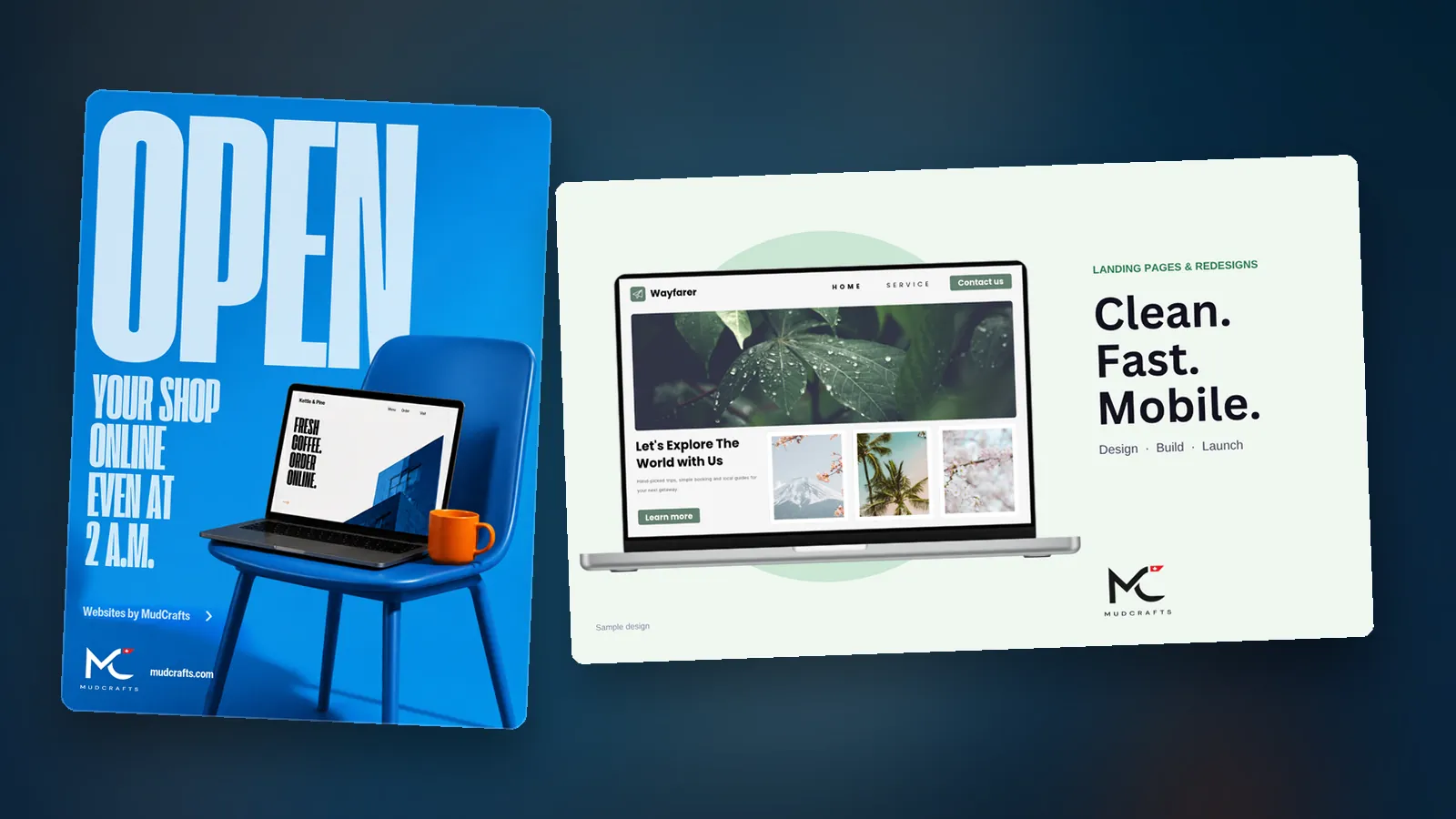
We design and build business websites, online shops and custom platforms, and we start with your customers’ questions, not with a template. Our UK team is in London, backed by our head office in Canada and our crafting studio in Kandy, Sri Lanka. You can see what we build on our websites page.
Next step
Got a website that is not pulling its weight, or none at all? Tell us about your business or drop Muddy a line in the chat. We will tell you what we would build, what we would leave out, and how long it is likely to take.
Questions people ask
What pages does a small business website need?
You can build a perfectly good site with a home page, services or products, an about page, a contact page, proof such as reviews or work you are proud of, and FAQs. A shop that sells online will also need product pages, a basket and a checkout. Start by writing down the five questions customers ask, and answer them on the first screen or one tap away.
What must a UK limited company show on its website?
GOV.UK says that on business letters, order forms and websites a limited company must show its registered number, its registered office address, where the company is registered, and the fact that it is a limited company, usually by spelling out the full name including Limited or Ltd. A footer line usually covers it. Treat this as a prompt to check, not as legal advice.
Who owns a website built by a web designer?
GOV.UK says that when you commission someone to create a copyright work, the creator is the first legal owner unless you agree otherwise in writing. Before you start, get it in writing that the domain name is registered in your name, that you have the login details for your hosting and site, whether you own the finished site or only have a licence, and what happens if you move provider.
Does my website need to ask people before it sets cookies?
Start with the ICO. It has guidance on when you need to tell people and ask for their permission before setting cookies or similar technologies, and when you do not. Its guidance on storage and access technologies is the place to begin. Ask whoever builds your site exactly which cookies it sets and why. A good builder can answer that in a sentence.
Sources
- the official guidance gov.uk
- guidance on storage and access technologies ico.org.uk
- the creator is the first legal owner unless you agree otherwise in writing gov.uk
Links opened and read on 14 November 2026.